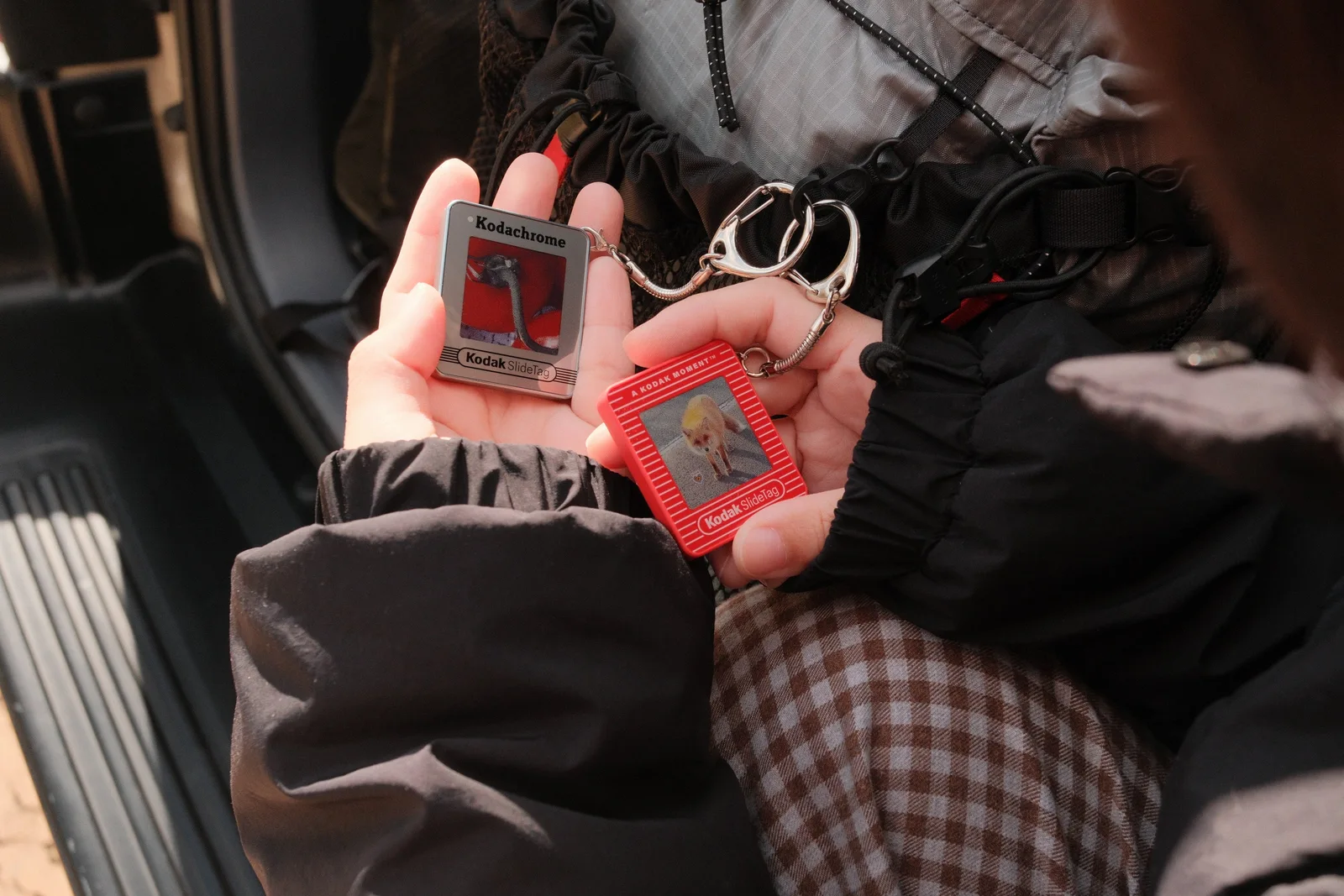
Screen
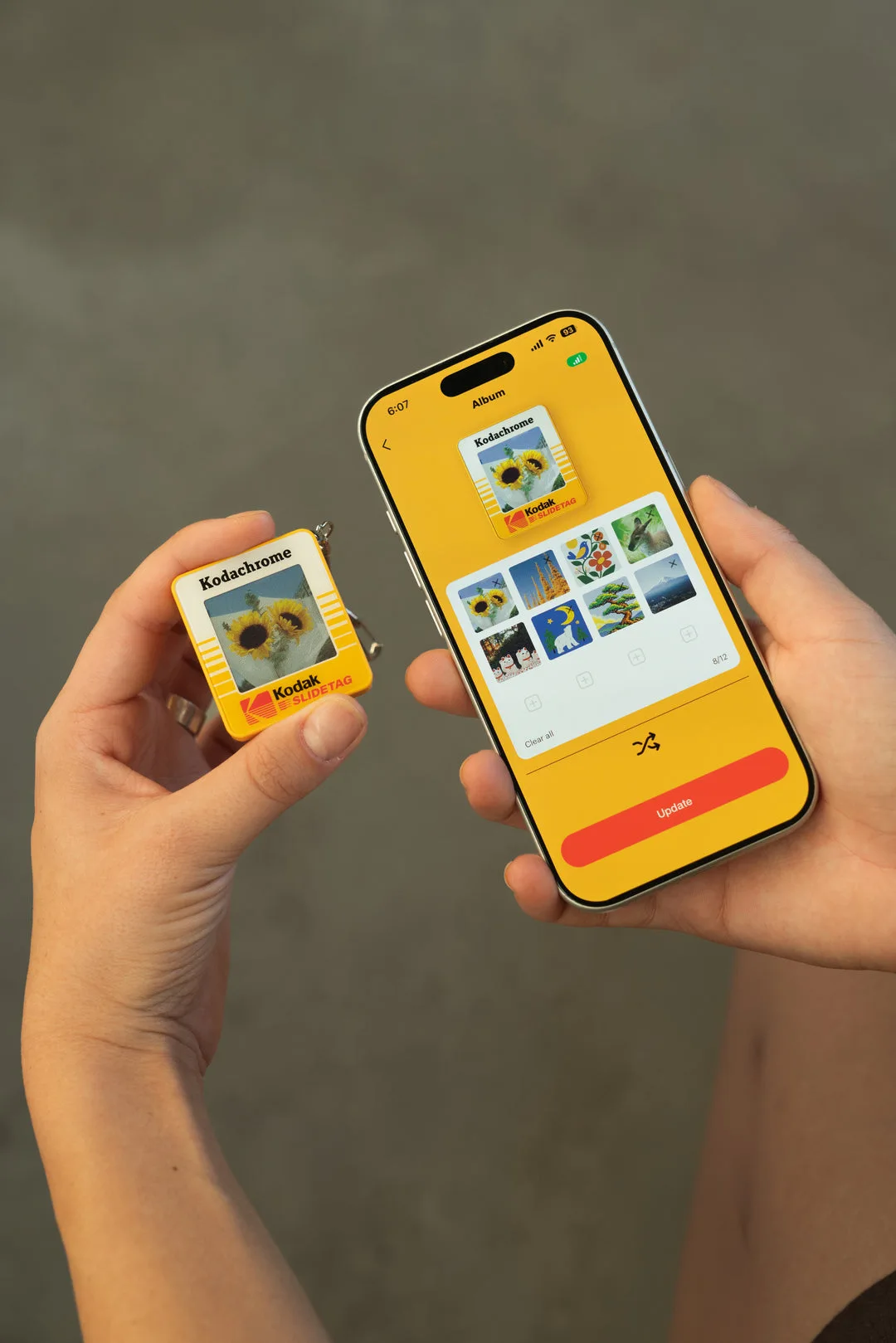
Send up to 12 photos from your phone over Bluetooth. Keep a favorite on display or let them cycle as a slideshow.
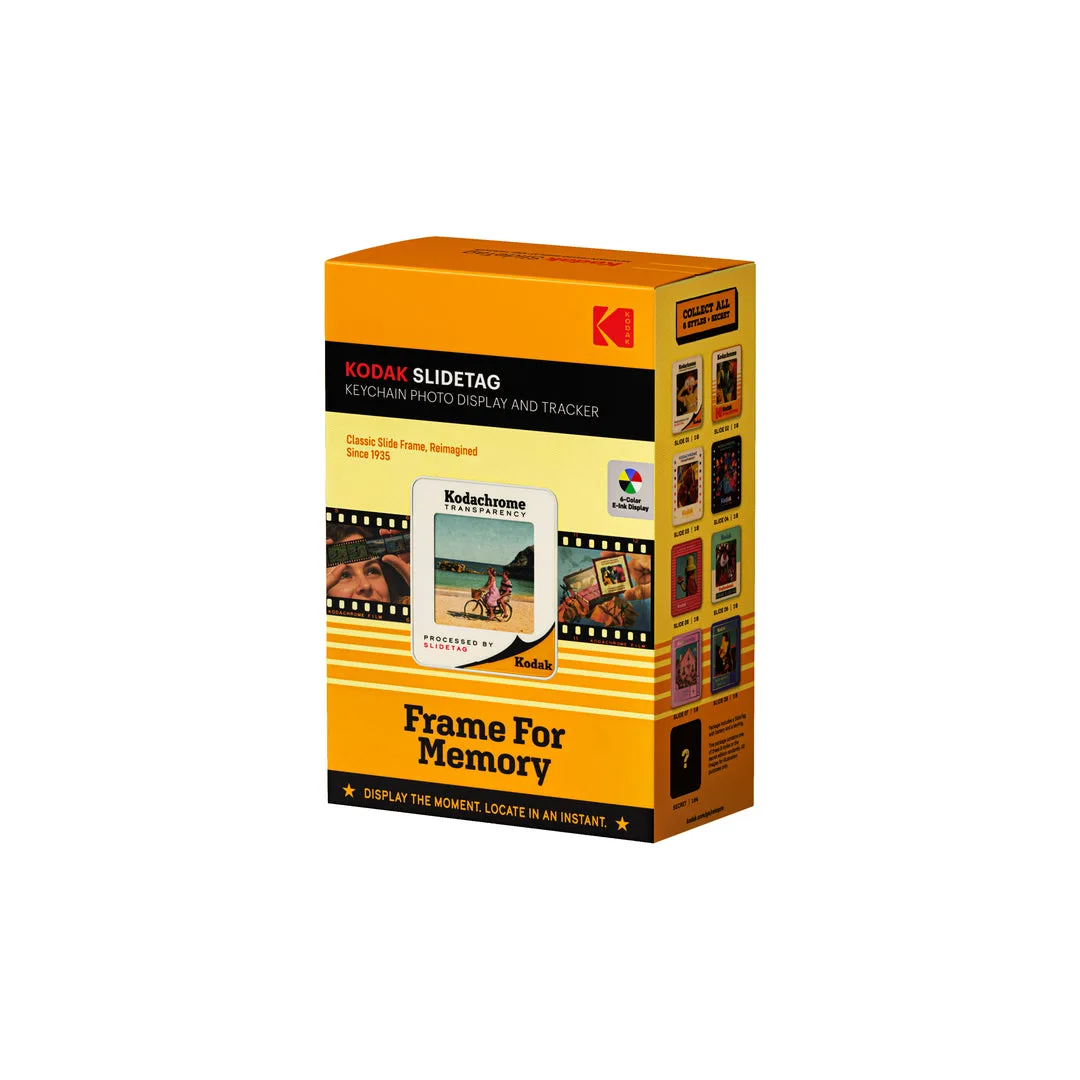
KODAK SlideTag is a keyring photo frame and Bluetooth tracker. Carry up to 12 photos on its six-color E Ink screen and ring your keys when they go missing nearby.
One sealed box holds one random design.
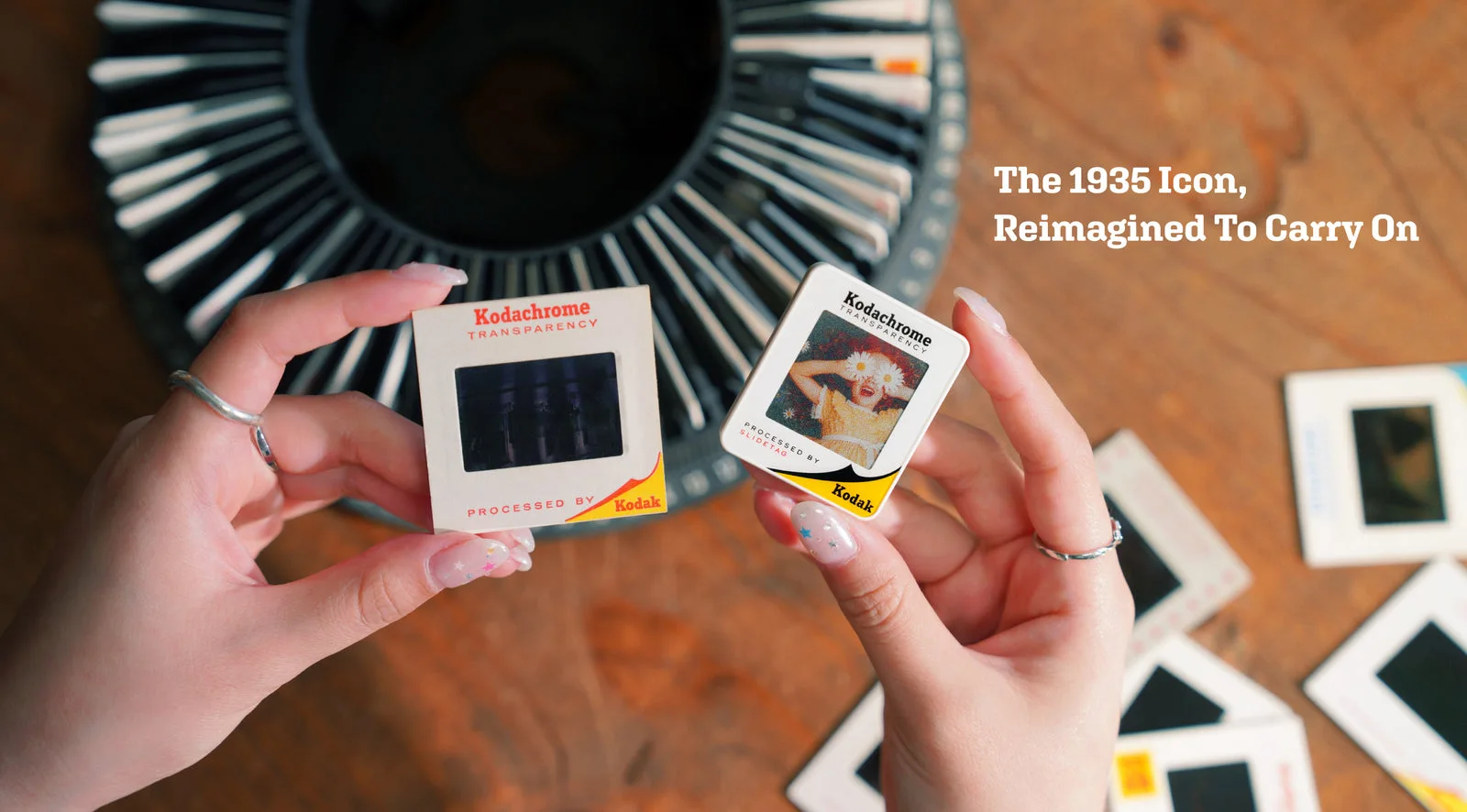
The square frame takes its shape from a 1935 Kodachrome slide mount. Where the film once sat, a 1.54-inch screen shows a picture from your phone. Clip it to a bag and the same tag can help you find it again.
PetaPixel connected the launch to RETO’s Charmera camera. Both come in collectible blind boxes, but this time the surprise is a tiny frame for photos you already love.
9to5Google picked up the other half of the story. A tracker usually stays out of sight. This one gives you a reason to hang it where you can see it.
Send up to 12 photos from your phone over Bluetooth. Keep a favorite on display or let them cycle as a slideshow.
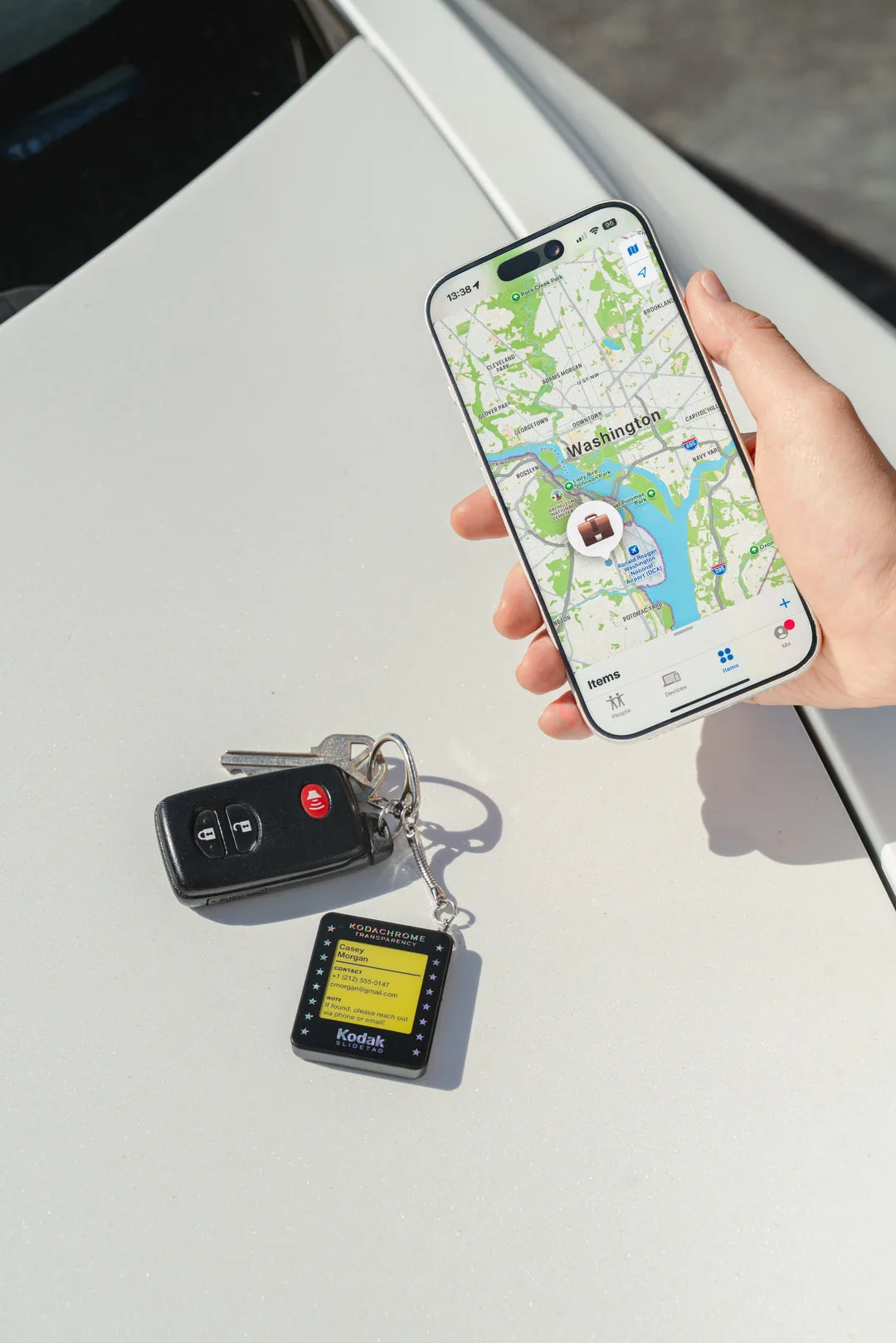
Attach KODAK SlideTag to your keys or bag. Use Apple Find My or Google Find Hub to locate it, then sound the buzzer when you are nearby.
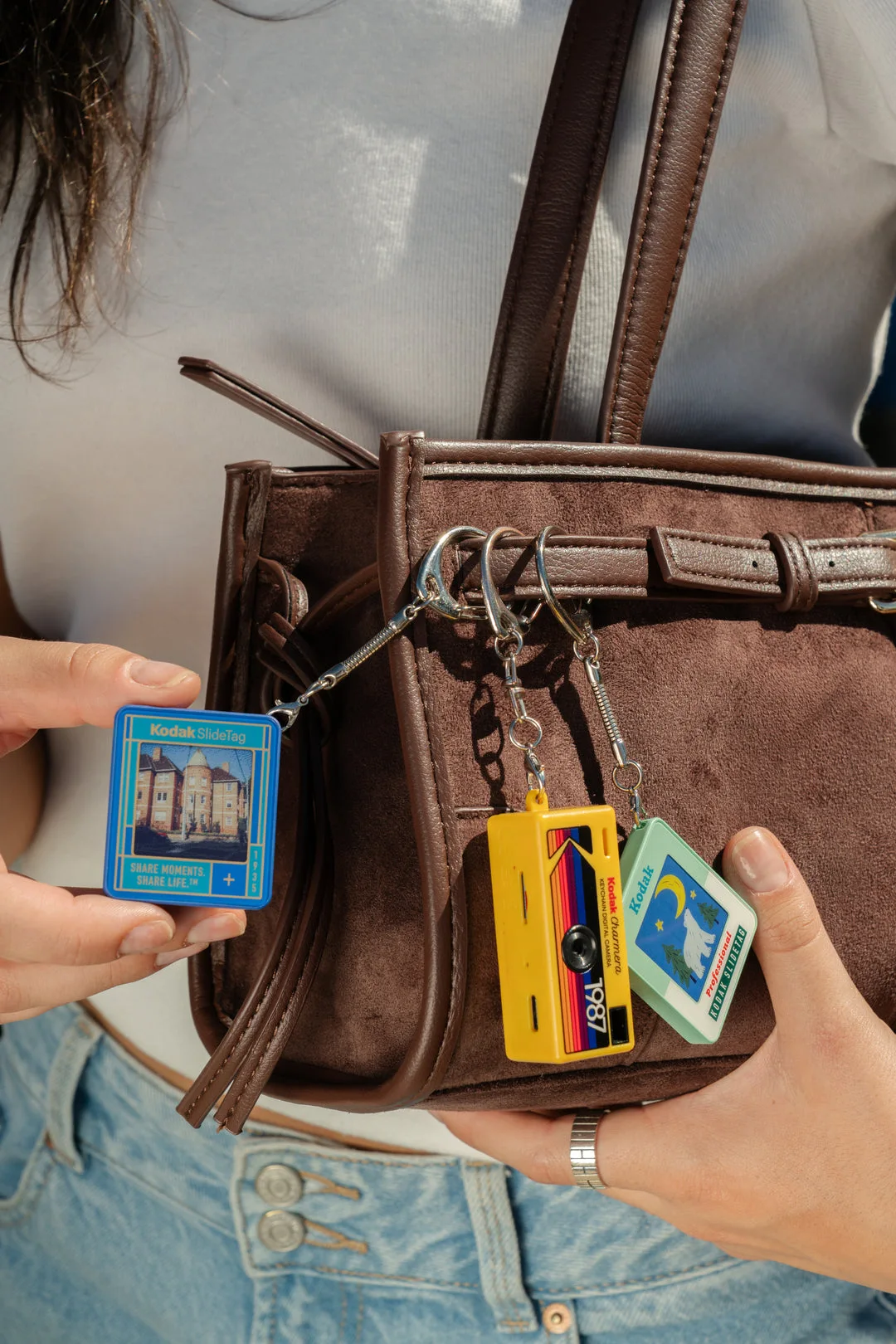
Turn the screen into a name badge for a meetup or show a QR code that shares your contact details.
Eight classic designs and one secret edition.
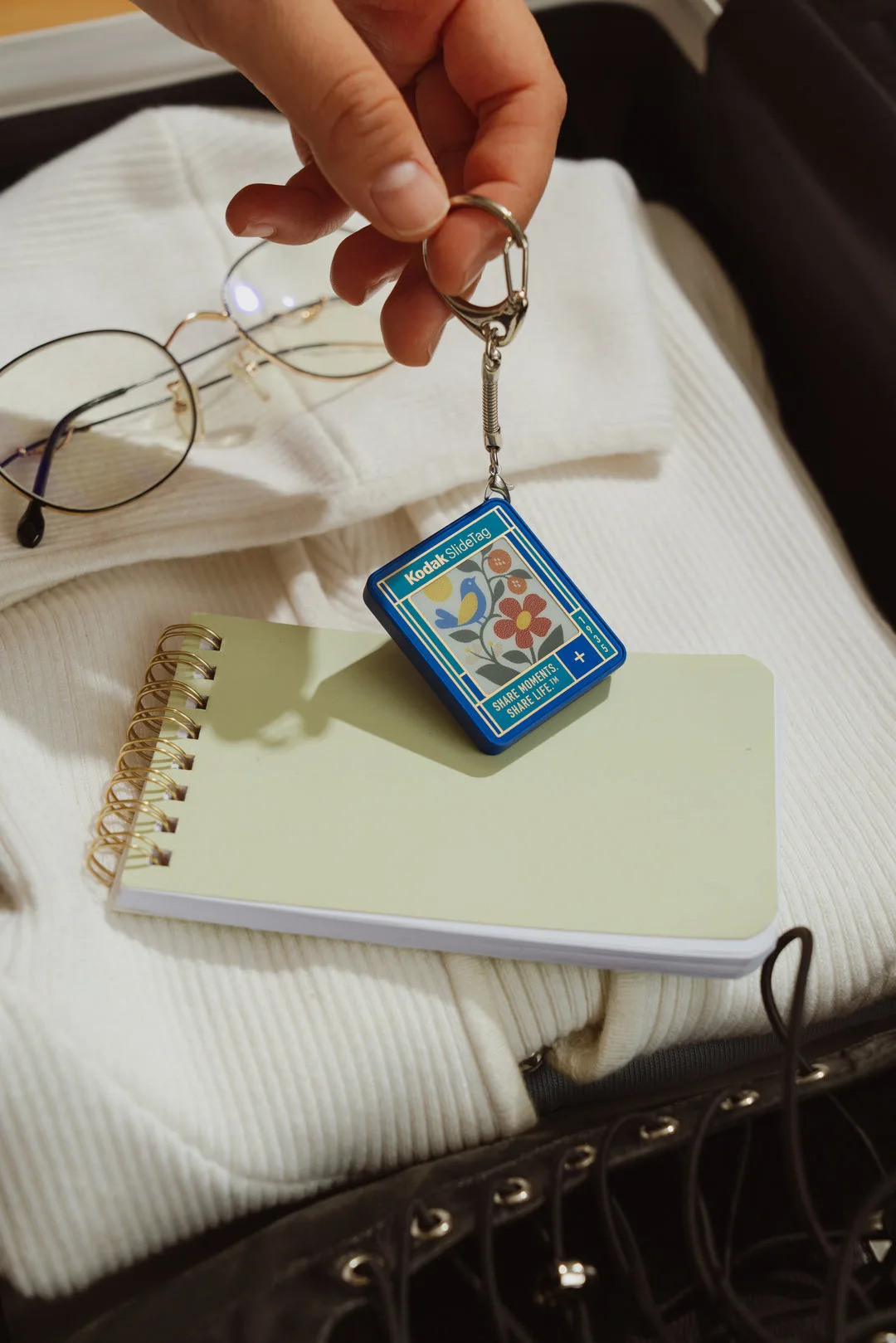
One sealed box holds one random design.
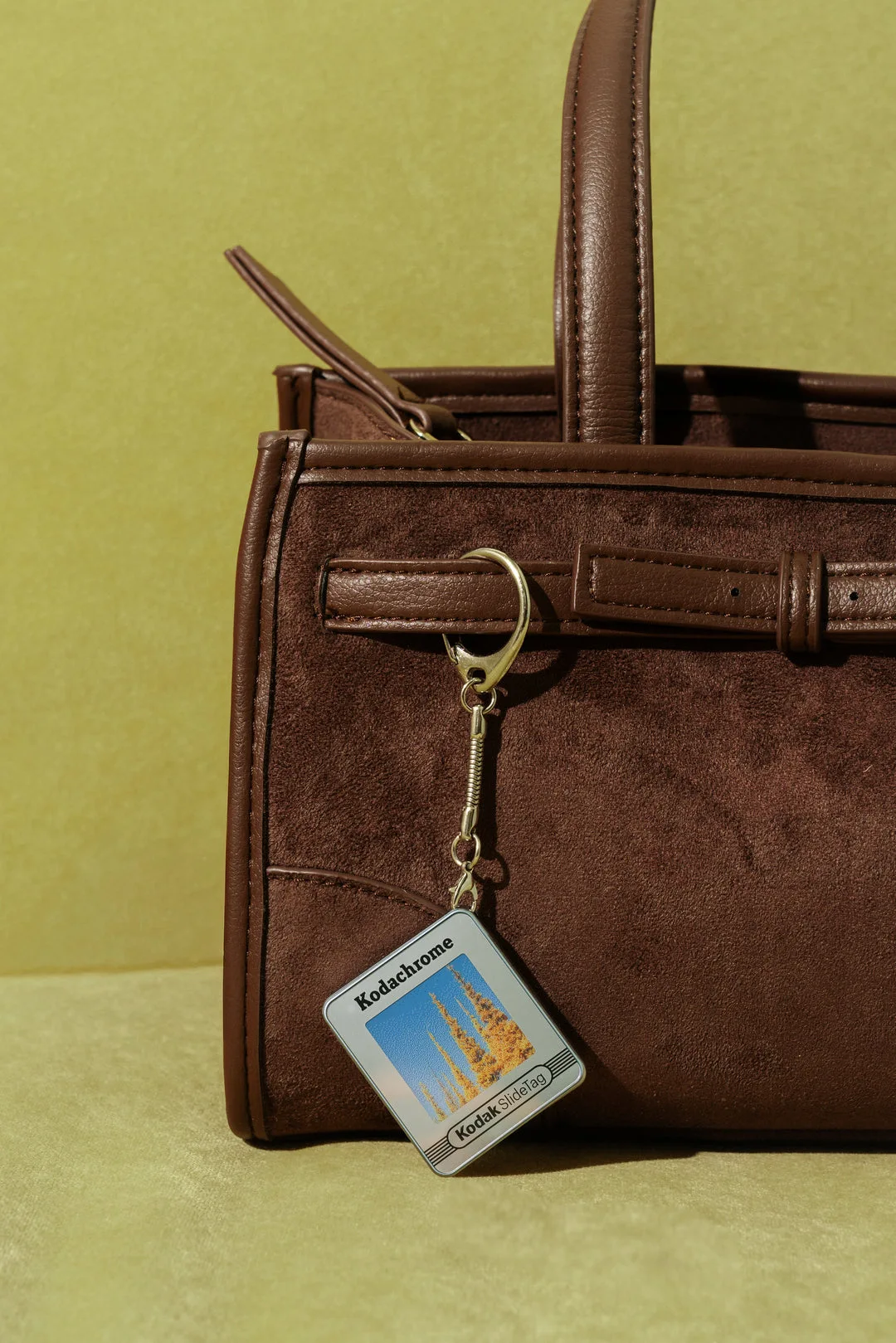
The chance of finding the secret edition is 1 in 64.
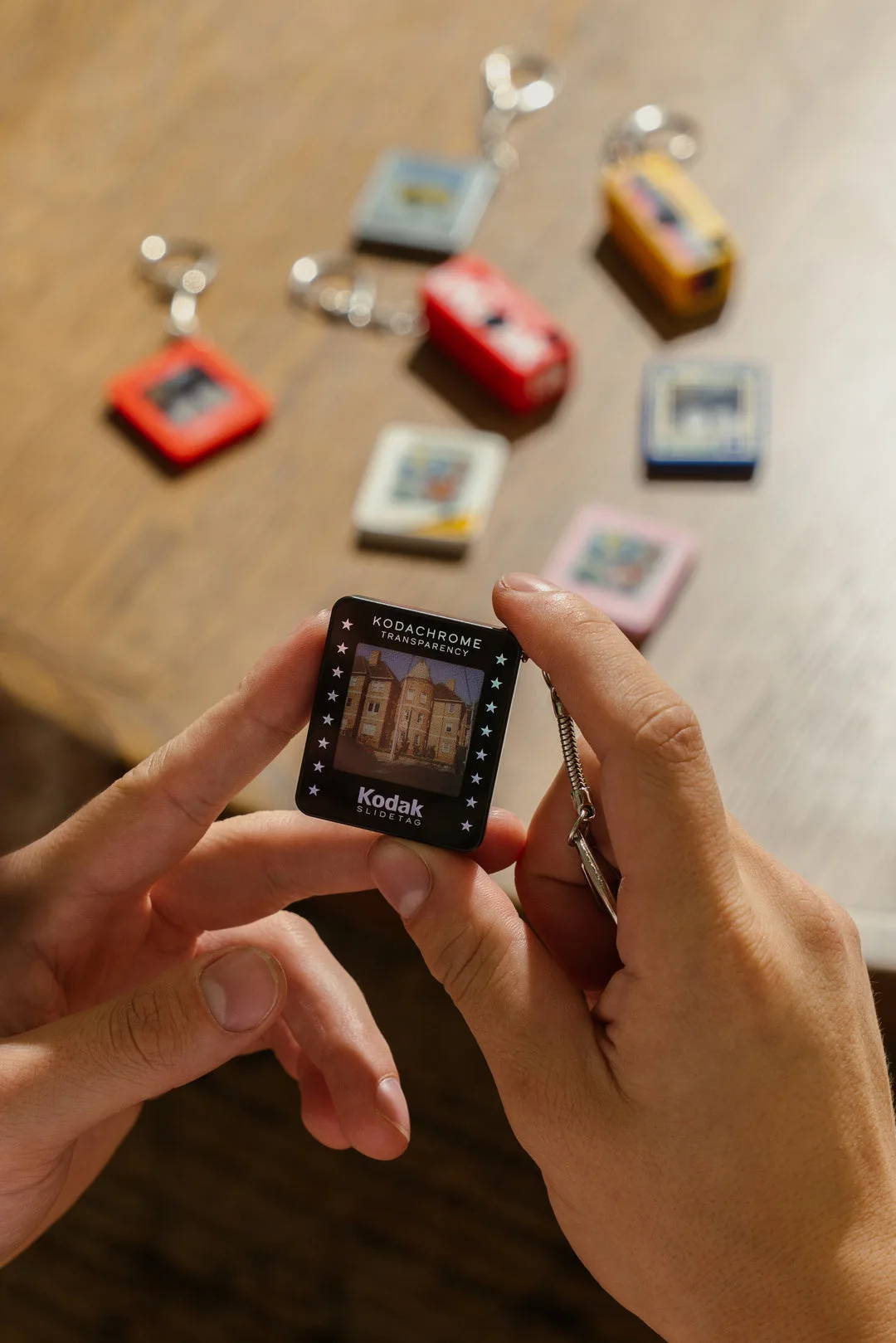
Eight different designs. A secret edition, if included, replaces one regular design.
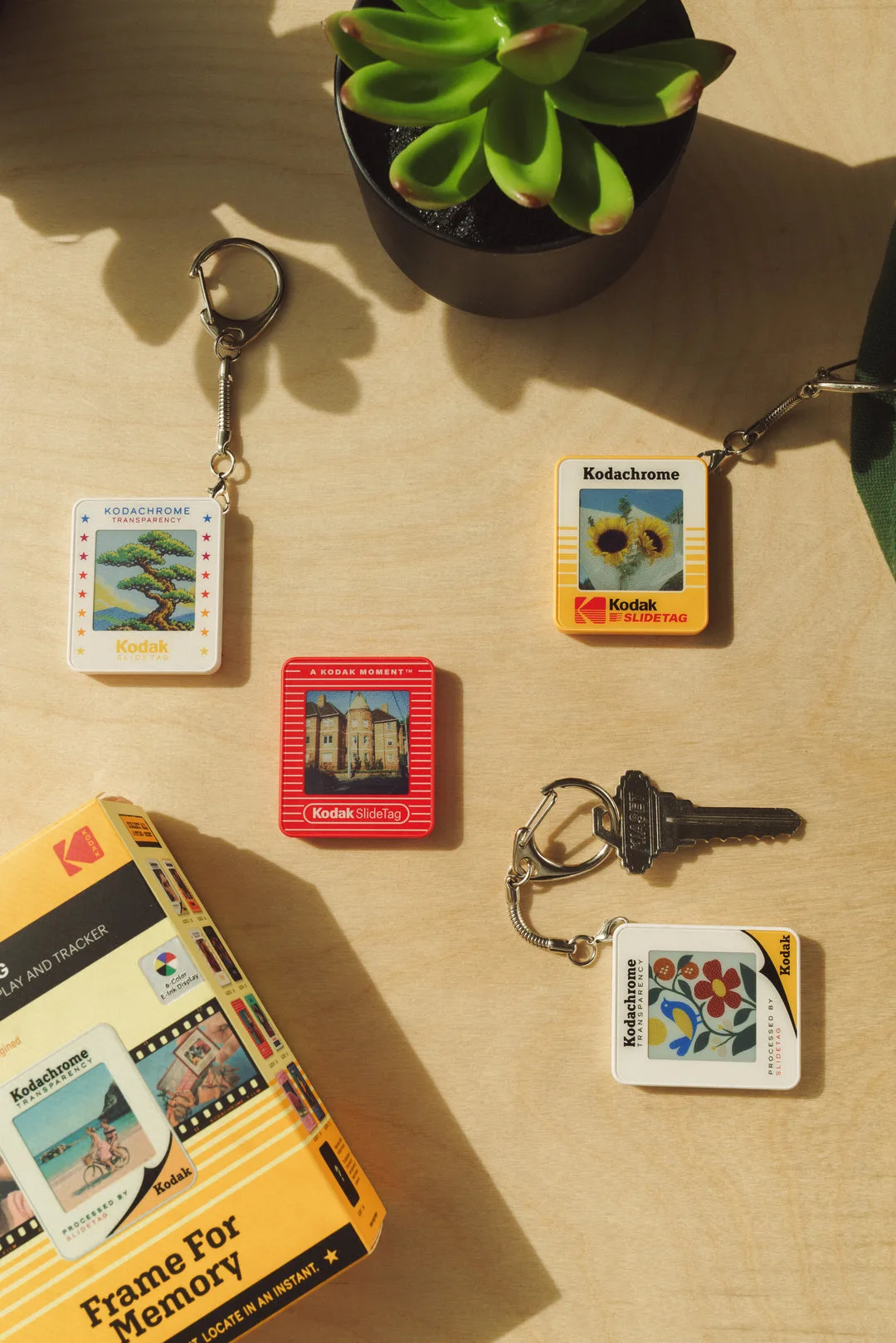
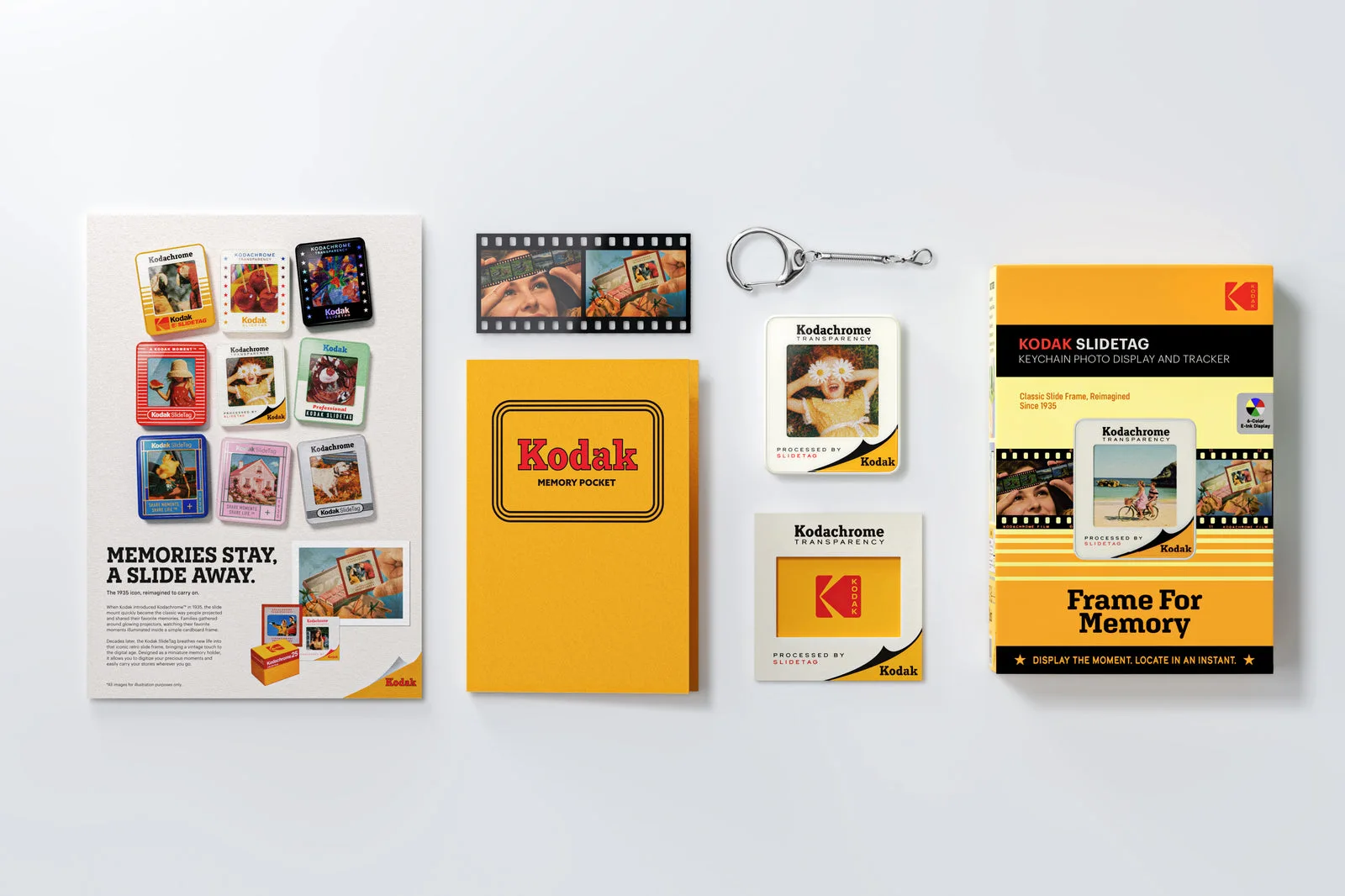
1 / 5 Photo display and tracker
Use the button at the top of the page to tell us what you’d like to order and leave your email address. We’ll get back to you soon.
Pull out the plastic tab to connect the preinstalled CR2032 battery. If the tag is asleep, press its button once to wake it.
Match the serial number in Memory Link to the number on the back of the tag. Pair tags one at a time in Apple Find My or Google Find Hub.
Keep Memory Link open, your phone unlocked and the tag within 10 metres until the transfer finishes.
Signing out removes the paired tags from the app on your phone. Sign back in and pair each tag again.
Your photos and tracking settings survive a CR2032 battery change. Set up any countdowns again afterwards.
Keep it out of the water. Its IP54 rating covers dust and splashes, and that protection can diminish with wear.